
As a necessary software for payment and collection of cross-border e-commerce, paypal is a software that many people want to register and use. Registering a paypal and using it will be as convenient as using Alipay. Here’s how to register with Paypal in the US.
 Because PayPal’s risk control is very strict, if you want to register a US PayPal and use it for a long time, we need to make full preparations before registration. Generally, we need to prepare the following materials and tools:
A US phone with Google Voice
An email address, preferably gmail or outlook
US address, please find the real address on Google Maps, you can’t pass PayPal’s address database verification. If you know the zip code of the billing address of the virtual credit card, it is recommended to look for an address near the zip code. The general US gift card can have its own zip code and billing address, while the zip code of some virtual credit cards is fixed, such as BOA’s virtual credit card and WEX Bank’s MasterCard virtual credit card. Of course, there are also some virtual credit cards that can freely specify the zip code and billing address. address. In addition, it is recommended to find the address of the residential area, and you can verify it on Google Street View after you find it. For details, see: How to find a real US address on Google Maps
US IP address, preferably fixed IP address, which can effectively avoid triggering PayPal’s risk control. My solution is to install VNC and Firefox browser on the VPS, all the operations are done directly on the VPS. If you are not familiar with the Linux system, it is recommended to find a VPS server that can install the Windows operating system and connect to it through a remote desktop. If you use Google Fi, it’s even easier, you can operate it directly on your phone, or you can open a hotspot for your laptop, and register with US PayPal on your computer.
For the virtual credit card used for verification, you can use the 556735 virtual credit card issued by EasyPay.
When you are ready with the above materials and tools, you can start your US PayPal journey. The official website of PayPal in the United States is www.paypal.com, open it and select Personal, then click “Sign Up for Free”, open the PayPal website on VNC,
It is recommended to use your own name to register. After risk control, you can upload your own passport to lift the restriction.
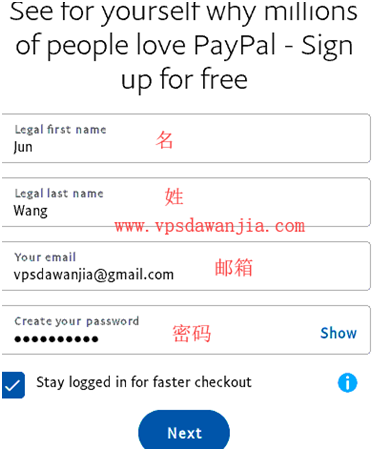 The previously prepared address comes in handy, a typical US address is this: 9301 Tampa Ave, Northridge, CA 91324 (do not use this address, registration will fail because too many people use this address), explained as follows :
9301 Tampa Ave,street address
Northridge, city
CA state
91324, zip code
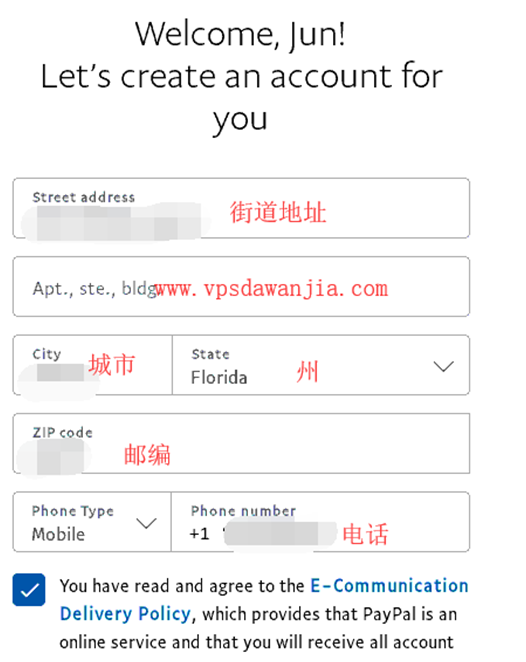 After submitting the address information, the following interface will open:
 Click “Get Started” to bind your virtual credit card, as shown in the figure:
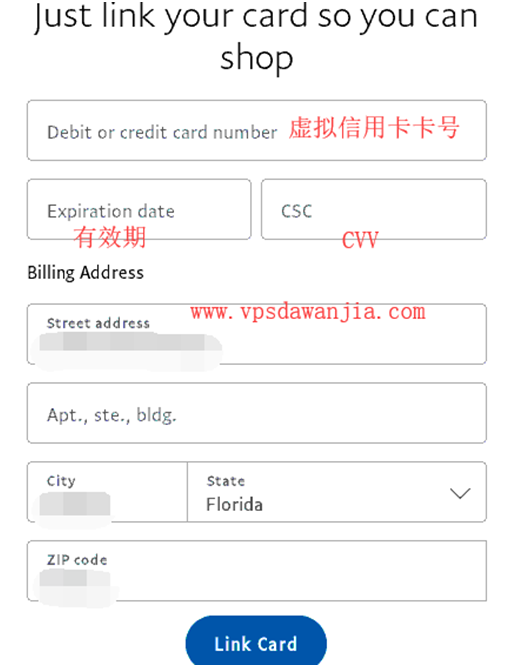 The binding is successful and you can start consumption.
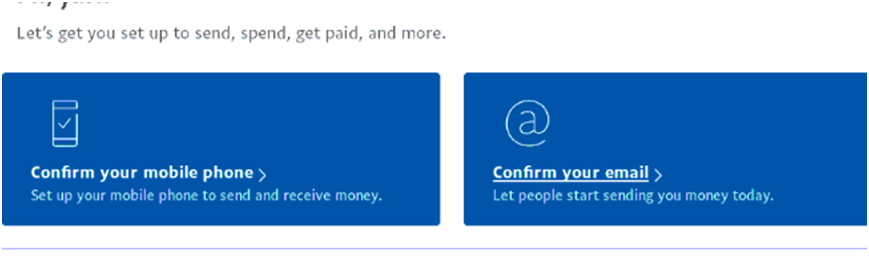
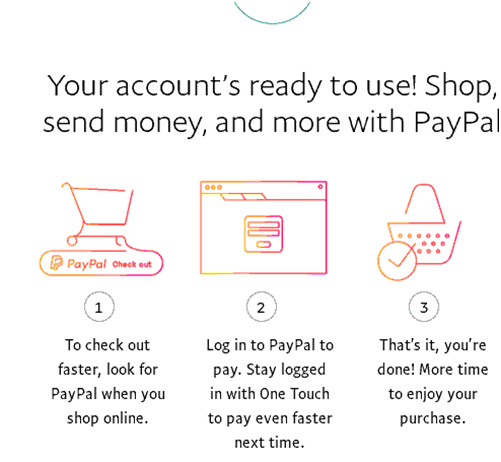 It is best to verify your email address and mobile phone number before using it officially, otherwise you will see the following reminder:
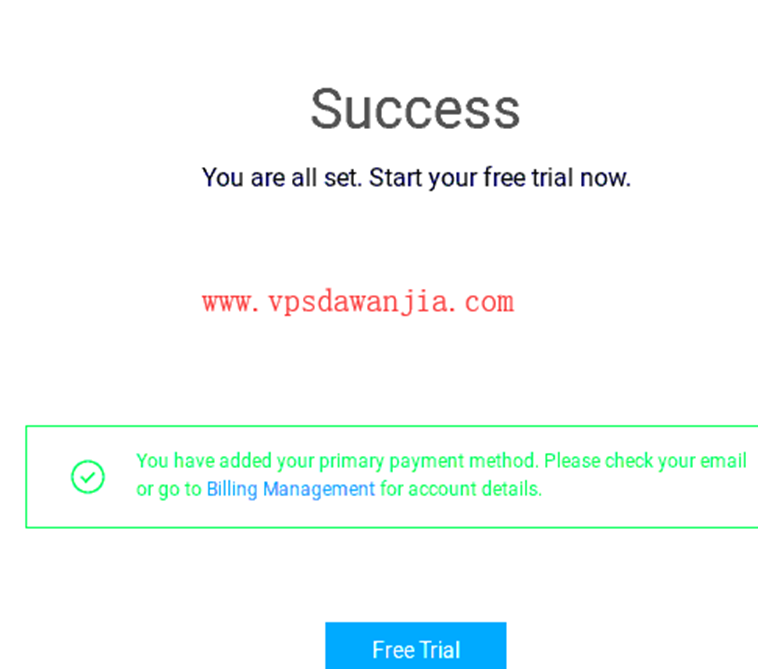
 Use the U.S. address and U.S. phone number used to register PayPal with Alibaba Cloud, and use PayPal as the payment method, one-time success, as shown in the figure:
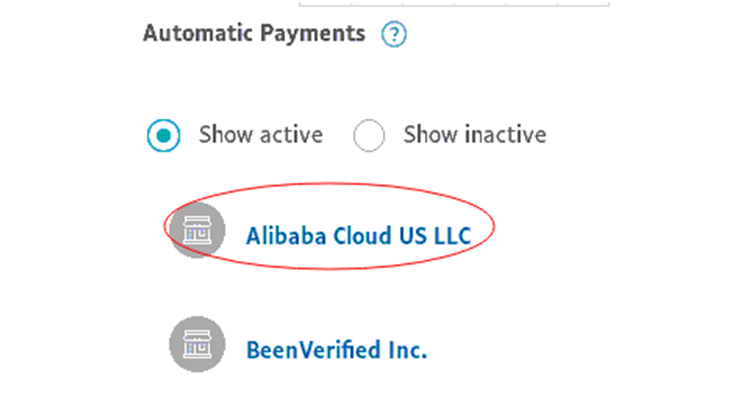
 After successful registration, you can see Alibaba Cloud US LLC and BeenVerified Inc, which has previously opened a trial, in the Automatic Payments list of PayPal, as shown in the figure
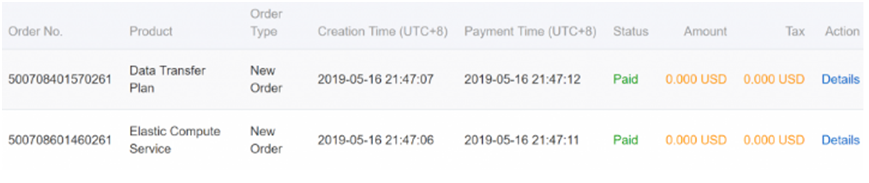
 Open the trial server, as shown in the figure:
 Write down the name, address, phone number and email address you used when registering with PayPal, and try to use the same information when registering on other websites, which can effectively avoid the transaction being rejected.
The above is an introduction to the process of registering paypal in the United States. If you want to try to register, you can refer to the above process.